

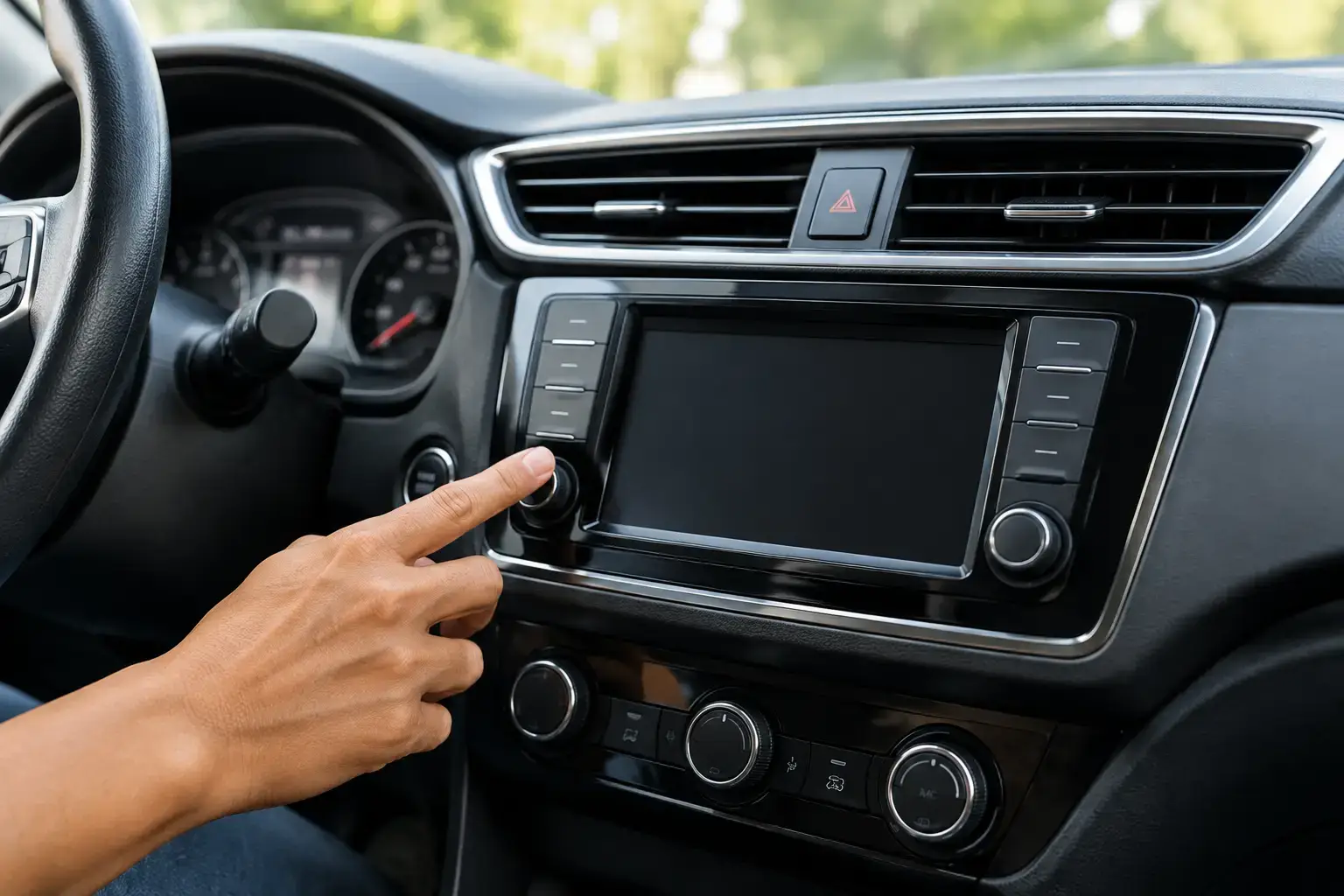
A radio that suddenly goes silent, shows “CODE”, freezes on a screen or will not turn on after a flat battery can make even a short commute frustrating. Knowing how to reset car radio controls can save time, but the right method depends on whether you have a factory unit, an aftermarket stereo or a wider electrical fault.
Before disconnecting anything, check whether your radio is actually receiving power and whether you have the security code. A reset can restore normal operation, but it will not fix a blown fuse, weak battery, damaged wiring or a failed head unit.
Start by identifying the radio problem
The first step is working out what the radio is doing. If the screen is on but there is no sound, the issue may be a muted setting, amplifier fault, speaker wiring problem or audio source setting. If the entire unit is dead, check whether other electrical items are working, including the interior lights, central locking and 12V accessory socket.
A radio asking for a code is different again. This commonly happens after the vehicle battery has gone flat, has been replaced or has been disconnected. The security feature is designed to discourage theft, so entering random codes repeatedly can lock the unit for a longer period.
If the radio is frozen, restarting, displaying an error message or failing to pair with your mobile, a basic reset may be worthwhile. Modern vehicles often integrate the radio with Bluetooth, reversing cameras, navigation, steering wheel controls and vehicle settings, so it pays to reset it carefully.
Before you reset the car radio
Find the vehicle owner’s manual and, if applicable, the audio system manual. Many factory systems have a reset process built into the menus, while some aftermarket units have a small reset button on the face or behind the removable front panel.
Write down any station presets, equaliser settings and Bluetooth pairings you want to keep. A reset may erase these details. If your radio requires a security code, look for it in the owner’s handbook, service records or original radio documentation. It may also be held by the vehicle manufacturer or dealer, usually after they confirm vehicle ownership.
Do not guess the code. On some models, too many incorrect entries can trigger a lockout that needs professional attention.
How to reset car radio settings from the menu
For many late-model factory radios, the easiest option is a software reset from the infotainment screen. Look through the Settings, System, General or Factory Reset menu. The wording changes between makes and models, but there is often an option to restart the system or restore audio settings.
Choose a simple restart first if it is available. This can clear a temporary Bluetooth, touchscreen or audio glitch without deleting all saved information. A factory reset is the next step when the system remains unresponsive, but it may remove paired devices, navigation favourites and personalised settings.
Keep the vehicle safely parked and leave the ignition on for the full reset process. Switching the ignition off halfway through an update or reset can create further faults on some infotainment systems.
Resetting an aftermarket stereo
Aftermarket head units often have a recessed reset button labelled “RESET”. It may be on the front panel, behind the detachable faceplate or near the USB port. With the ignition in the accessory position, use a pen tip or similar non-metallic item to press the button briefly.
If there is no reset button, check the unit’s manual for the correct button combination. Holding the power button for 10 to 15 seconds is common on some units, but it is not universal. Avoid forcing buttons or pulling the unit out of the dash unless you know how it has been wired.
A poorly fitted aftermarket radio can cause intermittent power loss, battery drain, weak reception or problems with steering wheel controls. In that case, resetting it may only hide the real issue for a short time.
Can disconnecting the battery reset a radio?
Disconnecting the negative battery terminal for a few minutes can restart some radio systems, but it should not be the first option. It may reset other vehicle systems as well, including clock settings, electric window calibration, engine idle learning and trip data. On certain vehicles, it can also trigger warning lights or require system relearning.
There is another practical concern: if the radio security code is unknown, disconnecting the battery can leave you with a radio that will not work until the correct code is entered.
If you do need to disconnect the battery, turn the vehicle off, remove the key or keep the smart key away from the vehicle, and wait for electrical systems to power down. Disconnect the negative terminal first. Never allow tools to bridge battery terminals or contact body metal while working around the positive terminal.
Battery disconnection is best treated as a diagnostic step rather than a routine fix. If your battery has gone flat more than once, the cause could be an ageing battery, alternator charging issue, parasitic draw or an accessory installation problem. The radio is often just the first system to show the effect.
Check the radio fuse if the unit has no power
A completely dead radio may have a blown fuse. Most vehicles have a fuse box under the dash, in the glovebox, under the bonnet or in more than one location. The relevant fuse may be marked RADIO, AUDIO, ACC, CIG, DOME or INFOTAINMENT, depending on the vehicle.
Use the fuse chart in the owner’s manual and inspect the fuse only when the ignition is off. Replace it with the same type and amperage rating. Fitting a larger fuse can damage wiring and increase the risk of an electrical fire.
If a replacement fuse blows again, stop there. That usually points to a short circuit, damaged wiring, water ingress, an incorrect accessory connection or a fault inside the radio. This needs proper testing rather than repeated fuse replacement.
When a reset will not solve the problem
A reset is useful for temporary software glitches, lost Bluetooth connections and some post-battery-change issues. It will not repair a failed amplifier, corroded connector, damaged antenna, blown speaker, faulty ignition feed or charging system problem.
Watch for signs that the fault is bigger than the radio. These include the screen cutting out while driving, crackling audio, burning smells, repeated flat batteries, dash lights flickering, fuses blowing, or the radio switching on and off with bumps in the road. These faults need accurate electrical diagnosis to prevent further damage.
For factory radio codes, programming issues or complex integrated systems, a qualified auto electrician can check power, earth, fuses, communication wiring and accessory connections before recommending a repair or replacement. This is often more cost-effective than buying a new head unit that may not address the actual problem.
Get mobile help when the problem is electrical
If you are searching Auto Electrician near me because your radio has failed after a flat battery, has no power, or keeps draining the battery, mobile diagnosis can save you arranging a workshop visit. A technician can test the battery and alternator, inspect the fuse circuits and trace radio wiring at your home, workplace or roadside where practical.
For drivers needing an Auto electrician Blacktown service or support across Sydney’s Western Suburbs, Ray’s Auto Electrical can assess the fault on site and give clear advice on the most practical repair. That might be a simple reset, a fuse or wiring repair, battery testing, or correcting an accessory installation.
Your car radio should be a convenience, not another reason to lose time in your day. Reset it carefully, keep the security code safe, and get the electrical system checked if the same fault returns.