
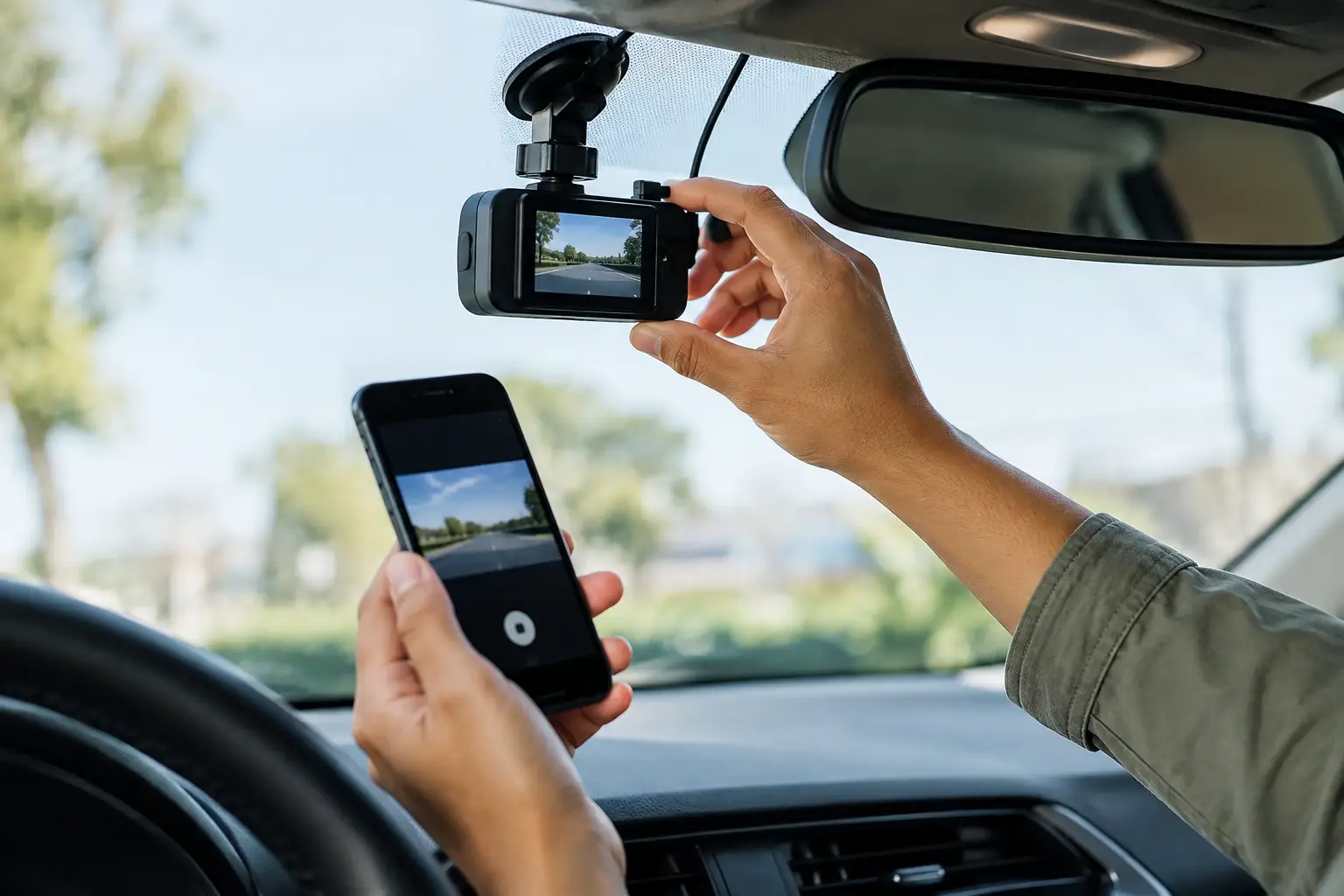
A dash camera can be a smart investment after a close call in traffic, a car park scrape or an insurance dispute. But can dash cameras drain batteries? Yes, they can – particularly when parking mode is running, the battery is already weak, or the camera has not been wired correctly. The good news is that a properly installed dash cam should not leave a healthy vehicle battery flat under normal use.
Can dash cameras drain batteries while parked?
Most dash cameras use very little power while you are driving. Once the engine is running, the alternator supplies electrical power and recharges the battery. In this situation, a dash cam is unlikely to cause a problem unless there is an existing charging fault or a wiring issue.
The bigger consideration is what happens after you switch the car off. A dash cam with parking mode may continue recording, wake up when it detects an impact, or capture movement near the vehicle. That power has to come from somewhere, and it usually comes from the starter battery.
A healthy battery may cope with this for a reasonable period. However, if the car sits unused for several days, you only drive short trips, or the battery is nearing the end of its life, the extra draw can be enough to cause a no-start situation.
This does not mean parking mode is a bad feature. It is useful protection for vehicles parked on the street, at train stations, shopping centres or busy work sites. It simply needs to be matched to how the vehicle is used and installed with the right battery protection.
Why a dash cam may flatten a battery
A dash camera is often blamed first when a battery goes flat, but it is not always the real cause. Modern vehicles have many systems that draw a small amount of power when parked, including alarms, central locking, clocks and computer modules. Add a dash cam to an already marginal battery and the problem becomes more noticeable.
Parking mode is running too long
Continuous parking recording uses more power than impact-triggered recording. If your dash cam records overnight, every night, and your vehicle is not driven far enough to replace that energy, the battery can gradually lose charge.
This is common with cars used mainly for short local trips. A ten-minute run to the shops may not be enough to fully recover the battery after hours of dash cam use, especially in winter or after repeated starts.
The low-voltage cut-off is missing or set too low
A proper hardwire kit should include low-voltage protection. This monitors the battery voltage and switches the dash cam off before the battery is discharged too deeply.
If the cut-off is not fitted, is wired incorrectly, or is set too low, the camera can keep running longer than it should. The car may still have enough power to light the dashboard, but not enough cranking power to start the engine.
For most vehicles, it is better to choose a conservative cut-off setting rather than trying to get every possible hour of parking footage. A slightly shorter recording time is preferable to being stranded at home, work or the footpath after a long day.
The battery is old or underperforming
Vehicle batteries do not last forever. Heat, stop-start driving, short journeys and age all reduce their capacity. A battery can appear fine one week, then struggle after an extra electrical load is added.
If your battery is more than a few years old, has needed jump-starting, or cranks slowly in the morning, the dash cam may be exposing an existing issue rather than creating a new one. A battery test is the quickest way to find out where you stand.
Incorrect wiring or an accessory fault
A dash cam should be connected to the correct power source and fused properly. Poor installations can cause excessive battery drain, electrical faults or damage to vehicle wiring. Plugging a camera into a 12V socket can be fine on vehicles where the socket switches off with the ignition, but some sockets remain live after the key is removed.
Hardwiring is generally the neater and more reliable option when it is done professionally. It allows the camera to use ignition power while driving and permanent power only when parking mode is required. The wiring can also be concealed safely instead of trailing across the cabin.
Signs your dash cam could be affecting the battery
If the vehicle starts normally after daily driving but struggles after sitting overnight or over a weekend, the dash cam and parking mode are worth checking. Other signs include the camera staying powered after its expected cut-off time, repeated low-battery warnings, a clock or radio resetting, or the engine cranking more slowly than usual.
Do not assume the camera is at fault just because it is the newest accessory. A failing alternator, loose battery terminal, parasitic draw from another circuit or a battery with low capacity can cause the same symptoms. Proper diagnosis matters because replacing a battery without fixing the underlying drain can leave you with the same problem again.
How to use a dash cam without draining the battery
Start by choosing the right parking mode for your routine. Motion or impact-triggered recording normally uses less power than continuous recording. If your vehicle is secured in a garage overnight, you may decide that parking mode is not necessary every day.
Use a quality hardwire kit with adjustable low-voltage protection and a timer where available. The timer limits how long the camera can operate after parking, while voltage protection helps preserve enough battery charge for starting. These settings should suit your battery type, vehicle use and how often you drive.
Regular driving also helps. Longer trips give the alternator more time to recharge the battery than short stop-start runs. If the vehicle is parked for extended periods, consider switching parking mode off or using a dash cam battery pack designed for this purpose. A dedicated battery pack can run the camera separately and recharge while you drive, reducing demand on the starter battery.
It is also worth keeping the camera firmware up to date. Some models have had power-management issues improved through updates. Check that the camera switches between driving and parking modes correctly, as a unit stuck in full recording mode can consume more power than expected.
Is a hardwired dash cam better than a cigarette socket connection?
For many drivers, yes. A professionally hardwired dash cam gives a cleaner finish and lets the installer set up parking mode properly with battery protection. It also avoids using a power socket you may need for charging a mobile or running another accessory.
That said, a plug-in setup can be suitable if you only want recording while driving and your 12V socket turns off with the ignition. It is a simpler option, but it may not provide parking surveillance. The right choice depends on whether you need overnight recording, how often the vehicle is used and the condition of the battery.
When to have the vehicle checked
If the battery goes flat more than once, do not keep relying on jump-starts. Deeply discharging a starter battery can shorten its life, and repeated flat batteries can point to a charging or wiring fault that needs attention.
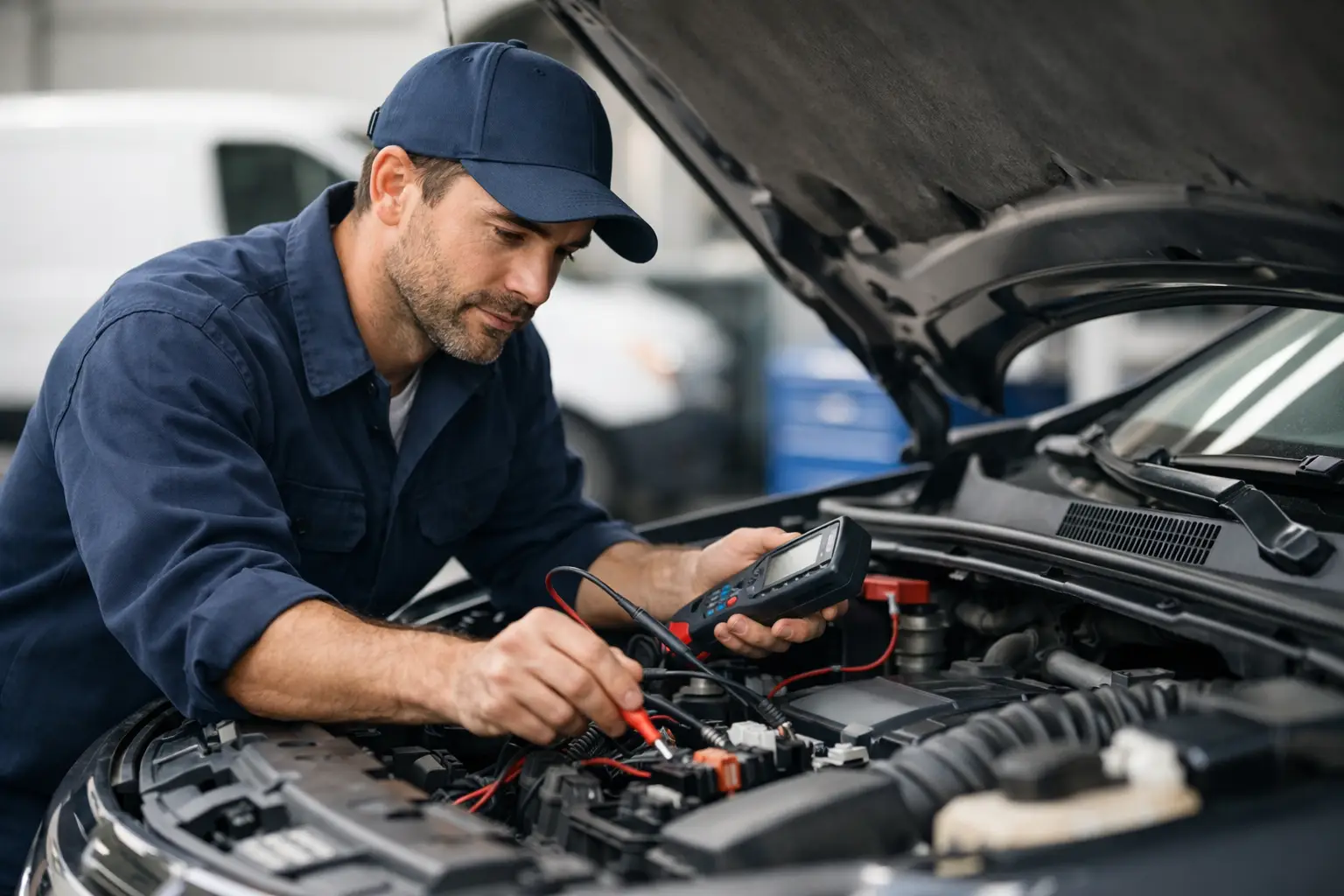
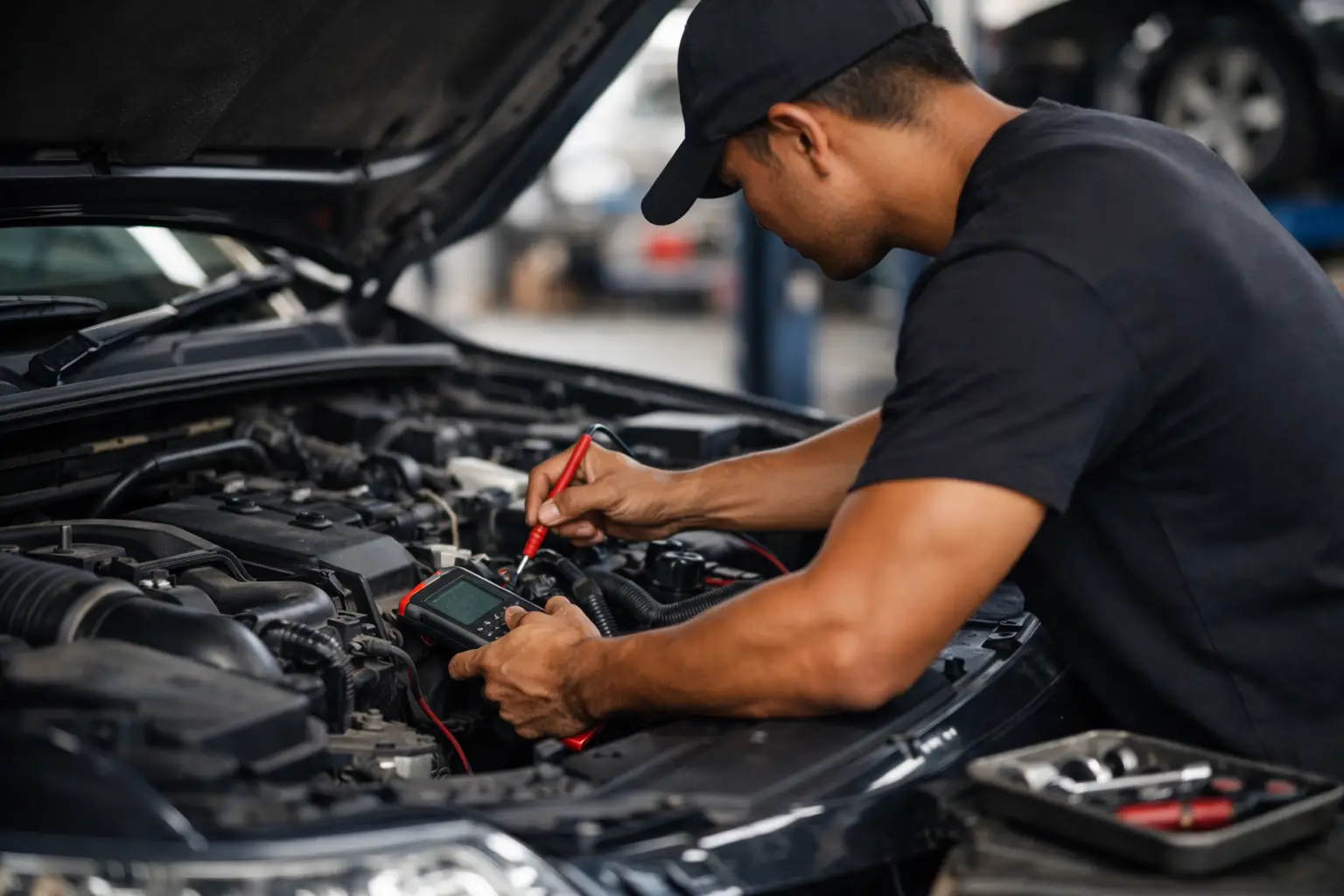
A qualified auto electrician can test the battery, alternator output and standby current draw, then check the dash cam wiring and low-voltage settings. This is particularly useful after a new dash cam installation or when an older battery suddenly begins failing.
For Sydney drivers, searching “Auto Electrician near me” can help when the vehicle will not start at home or work. If you are looking specifically for an Auto Electrician Blacktown, choose a technician who can diagnose the full electrical system, not just replace the battery. Ray’s Auto Electrical provides mobile testing and dash cam installation support across Sydney, helping you protect your car without sacrificing reliable starts.
A dash cam should give you peace of mind, not another reason to worry about getting home. With sound wiring, sensible parking settings and a healthy battery, you can keep the protection you want while your vehicle remains ready to start when you need it.